
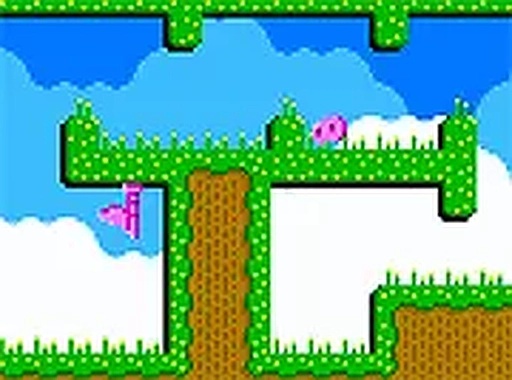
Gravity Switch Puzzle Adventure
Guide a small blob through colorful levels by switching gravity. Avoid obstacles and reach the exit in this free online puzzle adventure for all ages.
Reviews
About this game
Game Introduction
Gravity Switch Puzzle Adventure is a puzzle game where players control a small blob character. The core objective is to navigate through a series of levels by switching the direction of gravity. Each level presents a unique layout with obstacles and moving elements that require careful timing and planning to overcome. The game is designed to be accessible and engaging for players of all ages, offering a mental challenge that can be enjoyed in short sessions. It runs directly in a web browser with no downloads required and is completely free to play. The game is also optimized for mobile devices, allowing play on smartphones and tablets.
How to Play
Players use a mouse or touch screen to interact with the game. The main action is to click or tap on the screen to reverse gravity, which causes the blob character to fall in the opposite direction. The goal is to guide the blob to the exit point of each level while avoiding obstacles and other elements that move in set patterns. Some elements require precise timing to pass safely. The controls are simple, making the game easy to learn. Success depends on observing the environment and planning movements carefully.
Game Features
The game includes a series of levels with increasing difficulty. Each stage features colorful elements that move in different patterns, adding variety to the gameplay. A speed run mode is available for players who want to complete levels quickly. The game is designed to be mobile-friendly, supporting play on phones and tablets. It is free to play with no downloads required. The clean, colorful visuals make it suitable for short play sessions.
Tips for Success
Take time to observe the movement patterns of elements before making a move. Practice switching gravity at the right moment to avoid obstacles. Plan your route ahead, as some levels require precise timing. Use the speed run mode to improve your reflexes after mastering the regular levels. Regular practice will help you anticipate challenges and progress more smoothly.


Comments
0 comments