
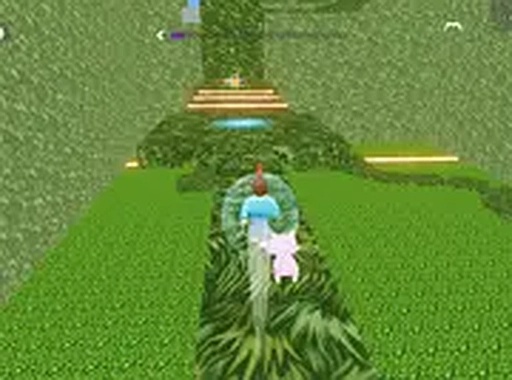
Platform Path Dash
Platform Path Dash is a 3D parkour adventure where players navigate a character through bright, obstacle-filled courses. The goal is to reach the end of each level by leaping across platforms and climbing walls. Simple controls make it easy to start, while the increasing difficulty keeps things interesting for everyone.
Reviews
About this game
Course Design & Visual Style
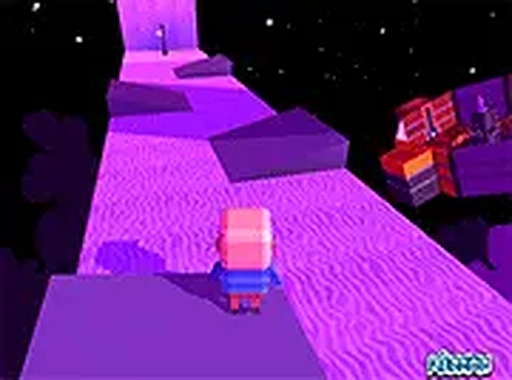
Platform Path Dash presents a series of three-dimensional courses set in vibrant environments. Each level is a carefully arranged sequence of platforms, walls, and gaps that require thoughtful navigation. The visual design uses bright colors and clear shapes, making it easy for players to spot upcoming obstacles and plan their route. The courses are structured to provide a steady increase in complexity, introducing new arrangements as players advance.
Core Movement & Controls
The character responds to simple directional inputs and a jump command. Movement feels smooth and responsive, allowing for precise positioning. Timing the jump action is key to clearing gaps and landing on elevated surfaces. The controls are designed to be intuitive, so players can focus on the course itself rather than struggling with complex button combinations. This accessibility makes the game suitable for both younger players and those new to the genre.
Progression & Challenge
As players complete courses, they encounter new configurations that demand greater precision. Early levels serve as an introduction to basic mechanics, while later stages require more careful timing and faster reactions. The difficulty ramps up gradually, giving players time to build their skills. There is no penalty for failing a course, encouraging repeated attempts and learning through practice. This design supports a relaxed yet engaging experience.
Family-Friendly Atmosphere
Platform Path Dash maintains a safe and positive tone throughout. There are no violent elements or inappropriate themes. The focus is entirely on movement and problem-solving. This makes it a suitable choice for family play sessions or for younger audiences exploring 3D platformers. The cheerful visuals and straightforward goals create a welcoming environment for players of all ages.
Tips for Better Runs
To improve performance, players should focus on observing the layout of each course before moving. Taking a moment to identify where platforms are located and where gaps appear can help in planning a path. Using the full-screen mode reduces visual clutter and helps maintain concentration. Regular short breaks keep reflexes sharp, and repeating difficult sections builds familiarity with the course design.





Comments
0 comments